Accessories
The details make a workstation easier to use every day. Explore power and data sockets, cable management, workstation trays and writing boards for a more organized workspace. You’ll also find aluminum profiles for workstation projects.

The details make a workstation easier to use every day. Explore power and data sockets, cable management, workstation trays and writing boards for a more organized workspace. You’ll also find aluminum profiles for workstation projects.
We've grouped the questions by categories to make it easier for you to find the answers you're looking for.If you don't see an answer to your question, please contact us
Start with what people use at each desk: computers, monitors, phones and other equipment. That will help you plan where power connections and cables should go. Then consider whether trays, storage racks or computer stands would help keep frequently used items within reach. It is easiest to choose these accessories while the workstation layout is still being planned.
Consider where people will plug in their devices and whether the outlet should sit on the desktop or be set into a cable box. Before choosing a model, confirm the desk’s construction, the required connections and the electrical requirements at the installation site. Socket specifications vary, so check the selected product against your destination’s requirements.
That depends on the desk and the socket design. Some options may require a suitable opening or mounting position, while others may fit differently. Share photos, desktop dimensions and any existing cable openings before selecting a product. Electrical installation should also follow the requirements at your site.
Map where the power and data connections enter the workstation group first. Cable boxes or vertical cable-management parts can then help route wires from the floor or desk to the equipment being used. Allow for access when equipment needs to be changed, and check that the accessories fit the desk frame and layout.
Not necessarily. Compatibility depends on the accessory’s mounting method and the desk’s dimensions and structure. For a computer stand, also check the size of the computer it needs to hold. Send the desk model or measurements along with the accessory you’re considering so the fit can be confirmed.
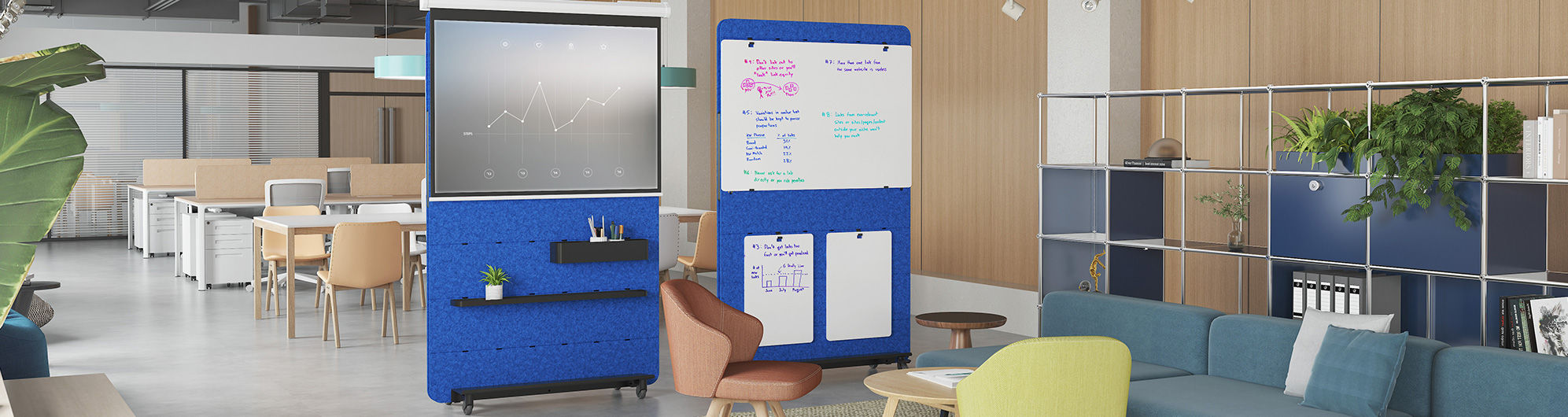
A wall-mounted board suits a room where people usually meet in the same place and a suitable wall is available. A mobile board can be useful when teams move between spaces or change the room arrangement. Consider where people will stand, how much writing space they need and where a mobile board would be stored.
Aluminum profiles are components used in certain workstation or partition systems. Their size and shape need to match the system being built, so they should be selected against a drawing or the specifications of the existing furniture. If you are replacing a part, provide its measurements and photos rather than choosing by appearance alone.
Tell us which desks or workstation systems the accessories will be used with and how many positions need them. For power products, include the destination and required connections; for trays or cable-management parts, include desk photos or dimensions. A floor plan or product drawing is helpful when accessories are being ordered for a larger project.