
Office Cubicle Systems Compared: Finding the Perfect Workstation Layout for Your Team
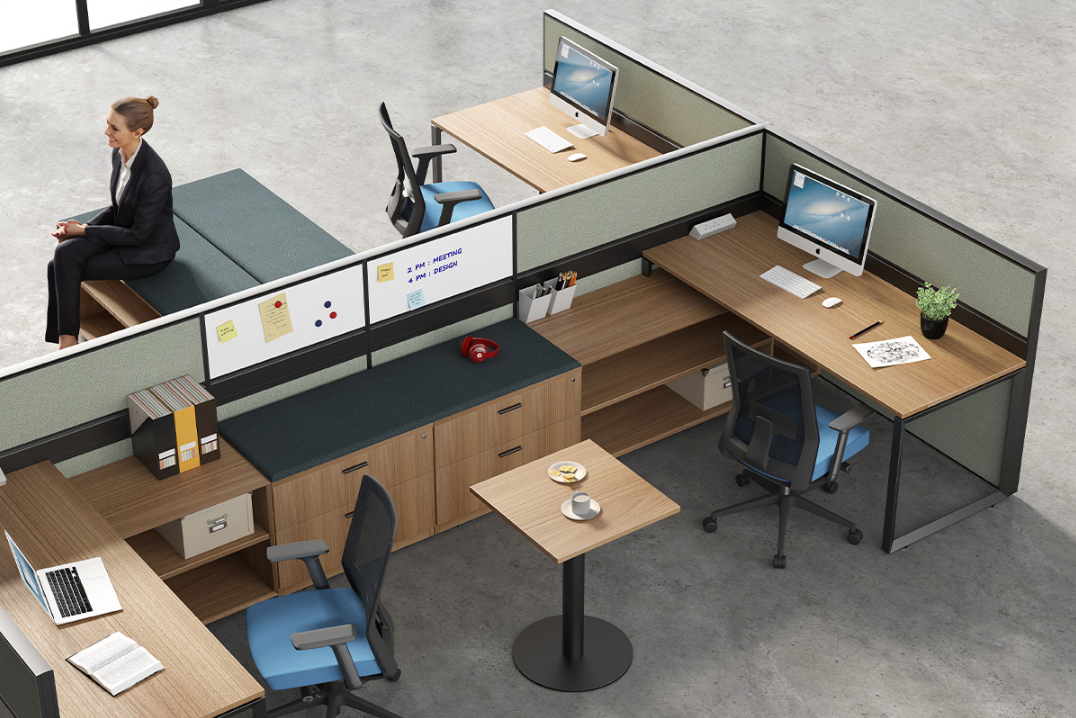
Why Office Cubicle Systems Remain Essential in Modern Workspaces
In today's evolving office landscape, finding the right balance between open collaboration and focused work remains a significant challenge. Office cubicle systems continue to serve as the backbone of productive work environments by providing dedicated personal space while maintaining team connectivity. This article explores how different cubicle configurations address common workplace pain points like noise distractions, visual interruptions, and lack of personal space—all of which directly impact employee productivity and satisfaction.
Three Key Dimensions for Selecting Office Cubicle Systems
Layout and Configuration
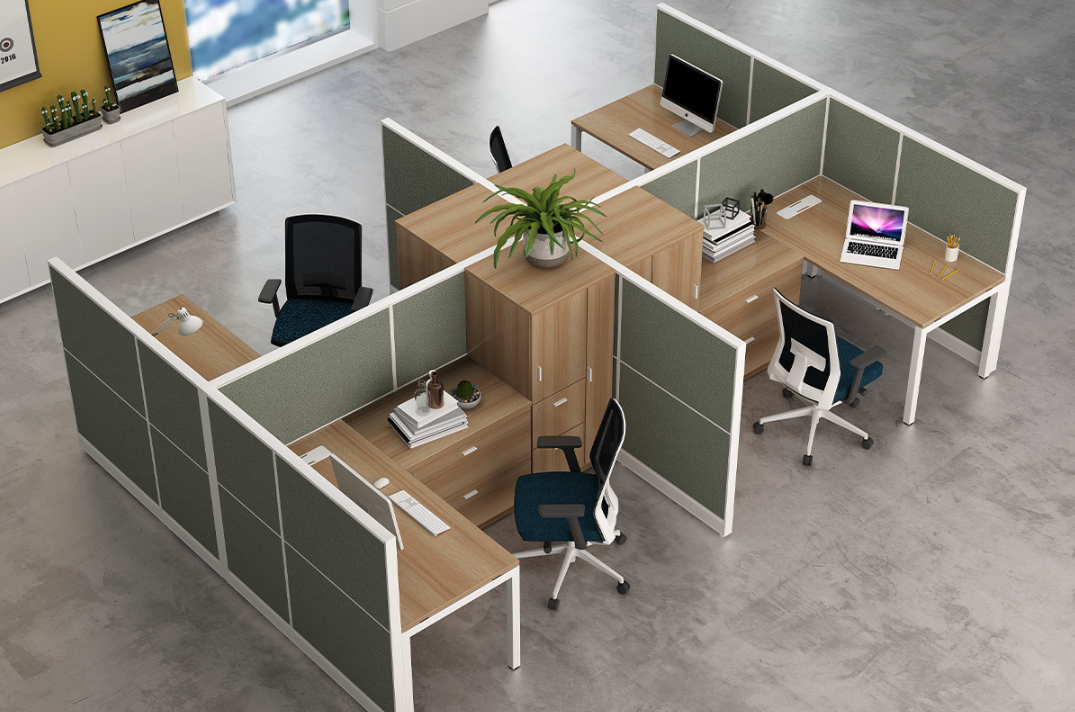
The foundation of any effective office cubicle system begins with proper layout planning. Consider these critical factors:
- Team size matching: Whether you need 2-person, 4-person, 6-person, or 8-person workstations, selecting the right configuration ensures optimal space utilization.
- Angle design options: Straight-line, 120-degree, L-shaped, and U-shaped configurations each serve different collaborative needs and space constraints.
- Space efficiency standards: Industry standard allocates 1.2m×1.2m per person, with minimum aisle widths of 1.2m to ensure comfortable movement.
Partition Wall Systems
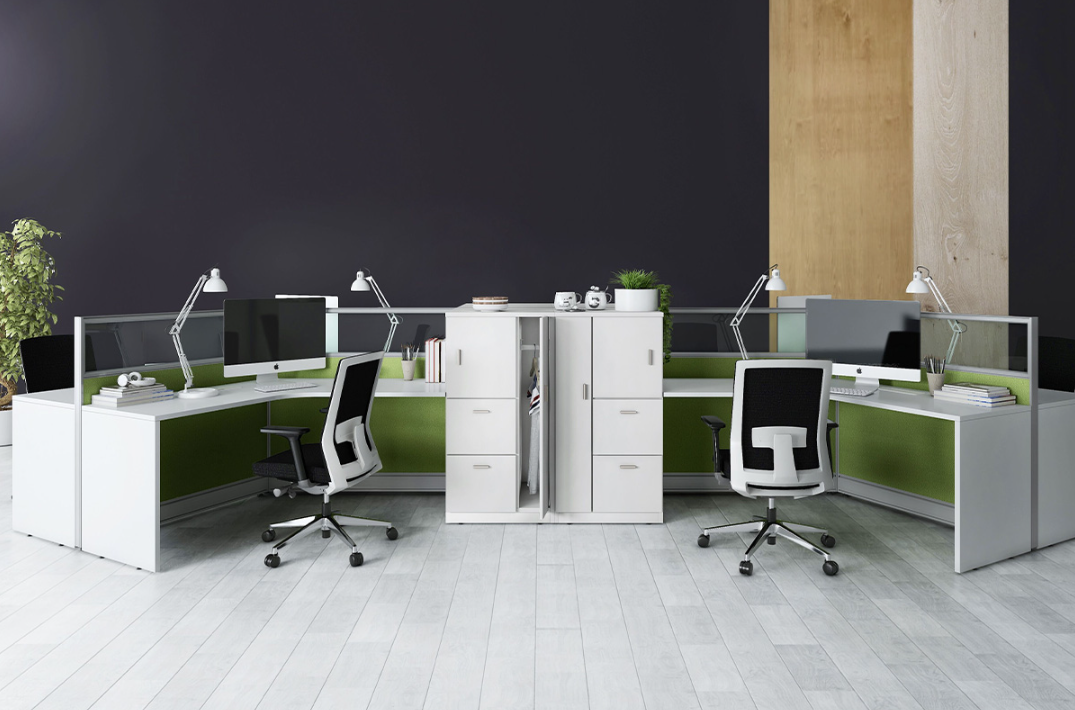
Your partition choice directly impacts both privacy and acoustic performance:
- Material selection: Options include melamine wall panels, glass partition walls, and aluminum-framed systems—each offering different aesthetic and functional benefits.
- Height considerations: Standard heights range from 1.2m to 1.6m, with taller partitions enhancing privacy while shorter ones promote visual connection.
- Acoustic performance: Look for systems with NRC (Noise Reduction Coefficient) ratings that match your environment's sound management needs.
Functional Integration
Modern office cubicles offer varying levels of integrated functionality:
- Basic systems: Provide essential partitions and work surfaces
- Mid-range solutions: Include integrated power systems, cable management, and basic storage[2]
- Premium configurations: Feature smart power management (USB-C, wireless charging), advanced ergonomic setups, and customization options
Comparing Three Tiers of Office Cubicle Systems
Entry-Level Cubicle Systems
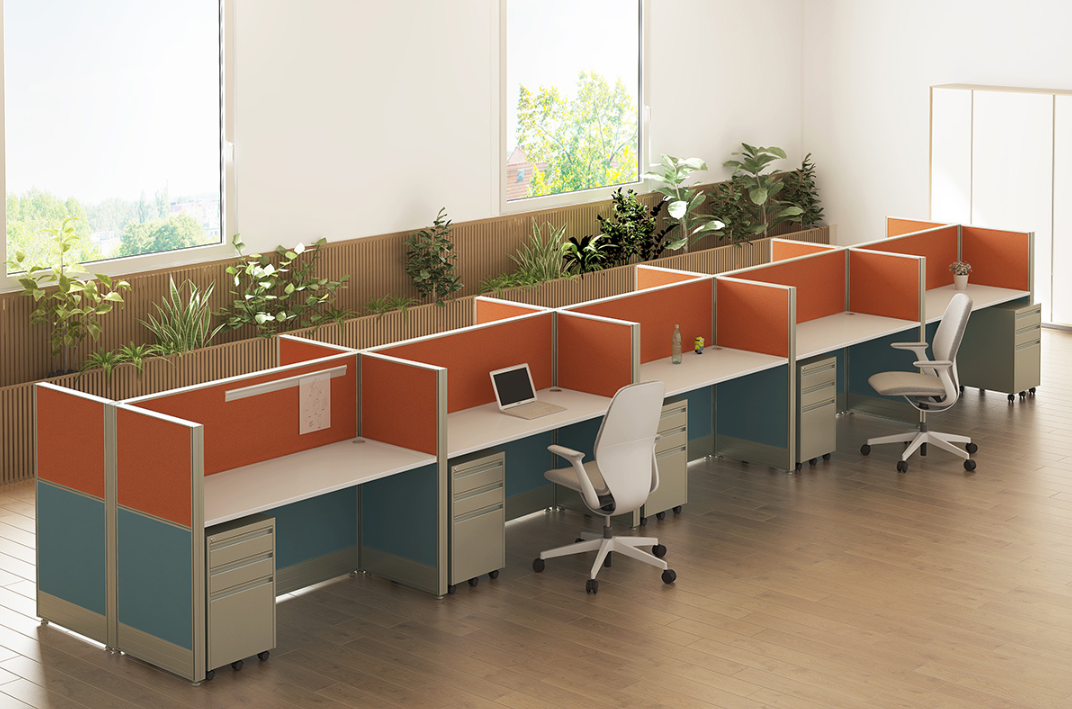
Best for: Budget-conscious organizations, temporary setups, and startups
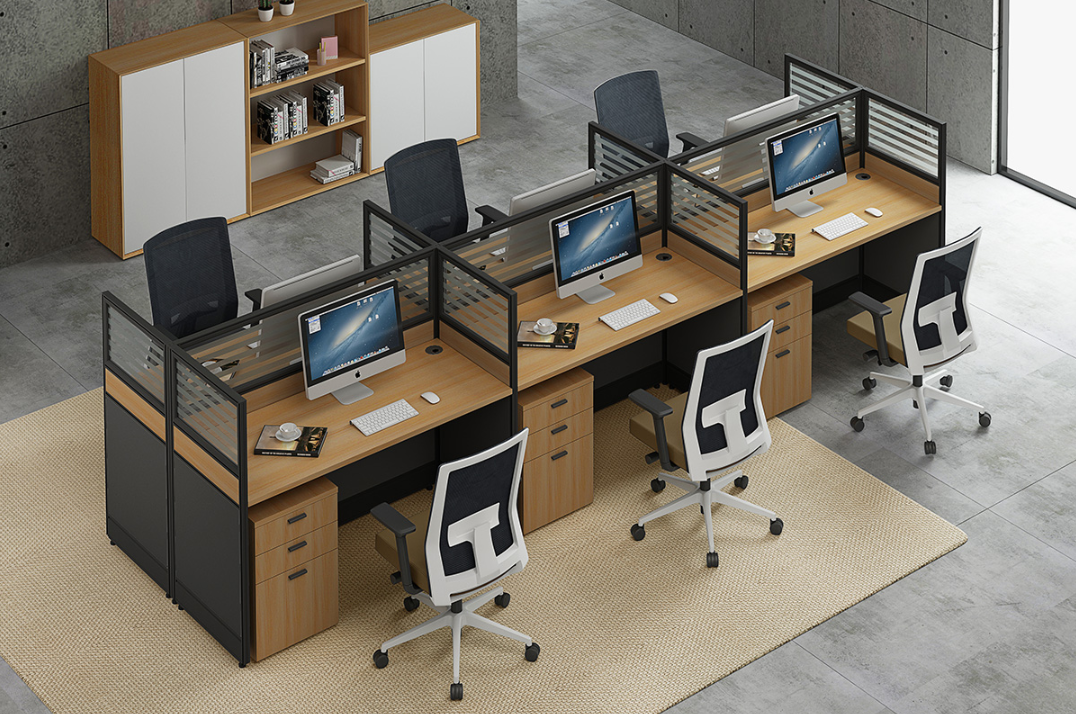
- Standard melamine partitions (32-83mm thickness, E0 environmental rating)
- Basic MFC desktops (25mm thickness) with minimal cable management
- Fixed-height partitions (typically 1.2m-1.65m)
- Simple modular design for easy assemb
Mid-Range Cubicle Systems
Best for: Standard corporate environments requiring balanced performance and value
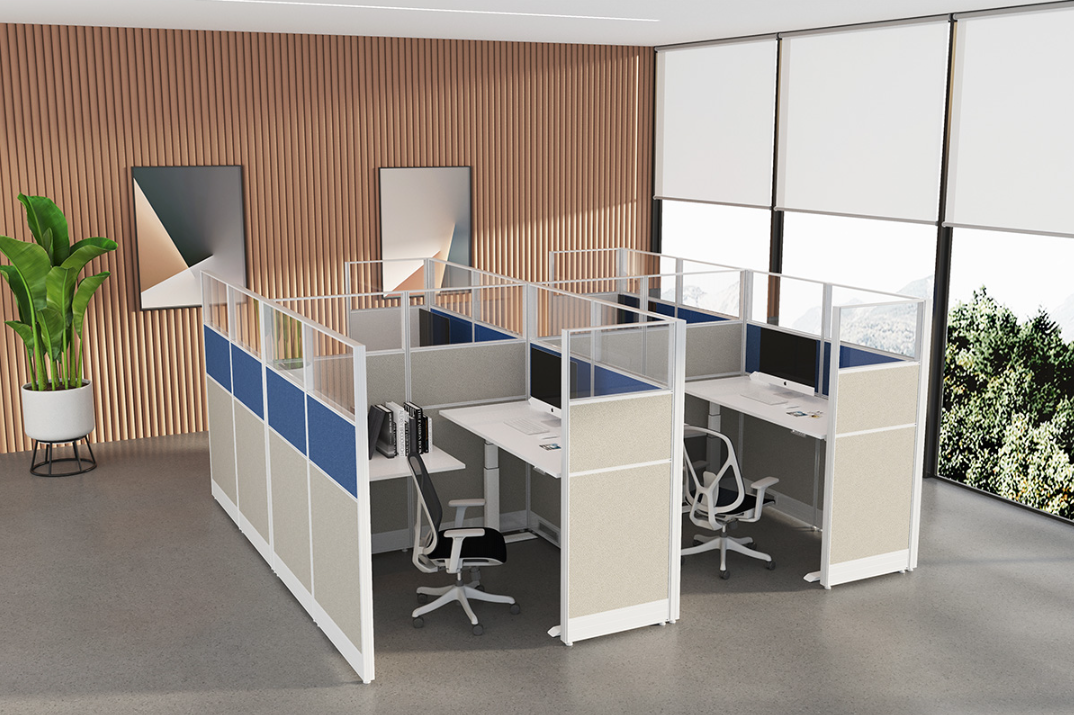
- Hybrid materials combining melamine and glass elements
- Integrated power systems with hidden cable management channels
- Adjustable desktop height options (fixed or electric lift)
- Enhanced acoustic design (NRC 0.6-0.7)
-
Multiple layout configurations including 120-degree and L-shaped options
Premium Cubicle Systems
Best for: High-performance environments prioritizing comfort and brand image
- Premium material combinations including tempered glass, aluminum frames, and eco-friendly panels
- Smart power management systems with USB-C, wireless charging, and intelligent outlets
- Full ergonomic workstation configurations with adjustable seating and monitor mounts
- Optimized acoustic performance (NRC 0.8+)
- Customizable aesthetics with integrated branding elements
Matching Cubicle Systems to Specific Office Scenarios
- Small offices/startups: Compact 2-4 person configurations maximize limited space
- Large enterprise open areas: Standardized 6-8 person workstations simplify maintenance
- Hybrid work environments: Flexible systems supporting multiple work modes
- Specialized requirements:
- Focus zones: Higher partitions (1.6m+) with enhanced acoustic performance
Collaboration areas: Lower partitions (1.2m) promoting visual connection
Management areas: L-shaped or U-shaped configurations with increased privacy and storage
Five Critical Verification Points Before Purchase
- Material quality verification: Confirm environmental ratings (E1/E0), glass safety certifications, and metal frame specifications
- Structural stability testing: Evaluate connection hardware quality and desktop load capacity (minimum 50kg)
- Power and network integration: Verify power outlet configuration and data connectivity options
- Installation and maintenance requirements: Understand assembly complexity and ongoing service needs
- Warranty and after-sales support: Review coverage periods for structural components, electronics, and surface materials
Making the Right Choice Based on Actual Needs
Selecting the appropriate office cubicle system requires balancing immediate requirements with long-term value. Avoid over-specifying by matching your selection to actual usage patterns and functional needs. Consider implementing a pilot program with a small installation before committing to a full-scale deployment.
- Submit your office floor plan for personalized recommendations
- Request detailed product specifications and material samples
- Schedule an in-person product demonstration
- Download our free "Office Cubicle Selection Checklist"