
How to Choose the Right Standard Cubicle Size for Your Office?
Choosing the right office cubicle size is not as simple as fitting as many workstations as possible into the available space. A compact workstation may save floor space, but it can become uncomfortable if there isn't enough room for a chair, storage, or everyday equipment. Larger cubicles offer more flexibility, but they also require more floor area.
The key is to find a size that suits the work being done, the furniture being used, and the space available. As part of your overall office furniture solutions, this guide explores common cubicle configurations, their typical dimensions, and what to consider before making a purchase.
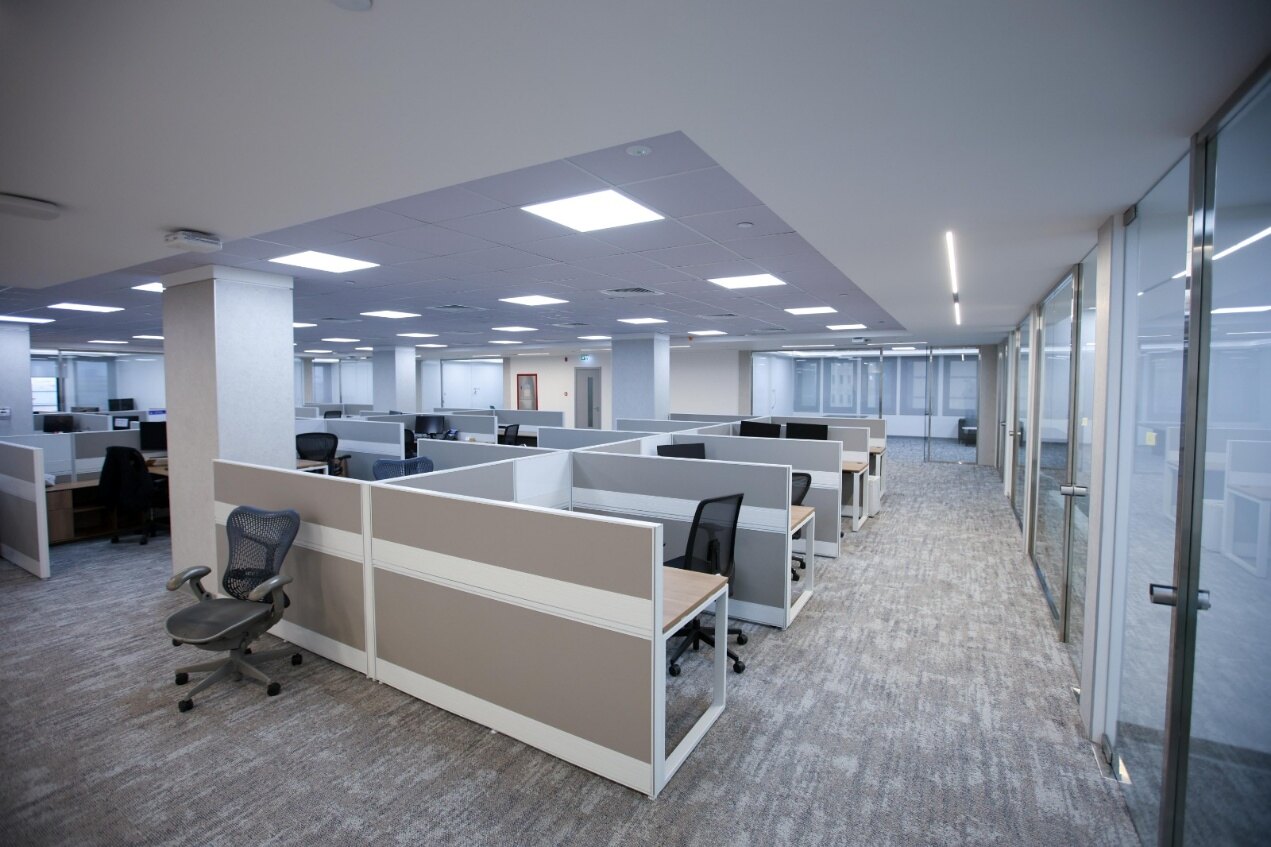
modular offices cubicles
How do you Organize and Decorate a Cubicle?
Essentially, for an office cubicle to be functional, to let them organized it dynamically and conveniently is very important. Meanwhile, it’s equally important to ensure cubicles are decorated in a warmly and pleasant way, allowing them to boost workplace, even cooperate culture and ensure employee comfort. Here are some key considerations you can effectively organize and decorate cubicles in your workplace.
When creating modular offices, it's essential to ensure the forms and dimensions of cubicles are equally scaled in line with the required activities and overall available office space. Here are four Standard Cubicle Configurations which help you on organizing your office space:
1. Standard Cubicle
Standard cubicles are designed for everyday individual work, such as computer tasks, document handling, and routine office activities. Their compact footprint makes them suitable for open-plan offices where businesses need to accommodate multiple workstations while retaining defined personal work areas.
Recommended Dimensions
Width: 48" to 72" | 122 cm to 183 cm
Length: 48" to 72" | 122 cm to 183 cm
Area: 16 to 36 ft2 | 1.45 to 3.34 m2
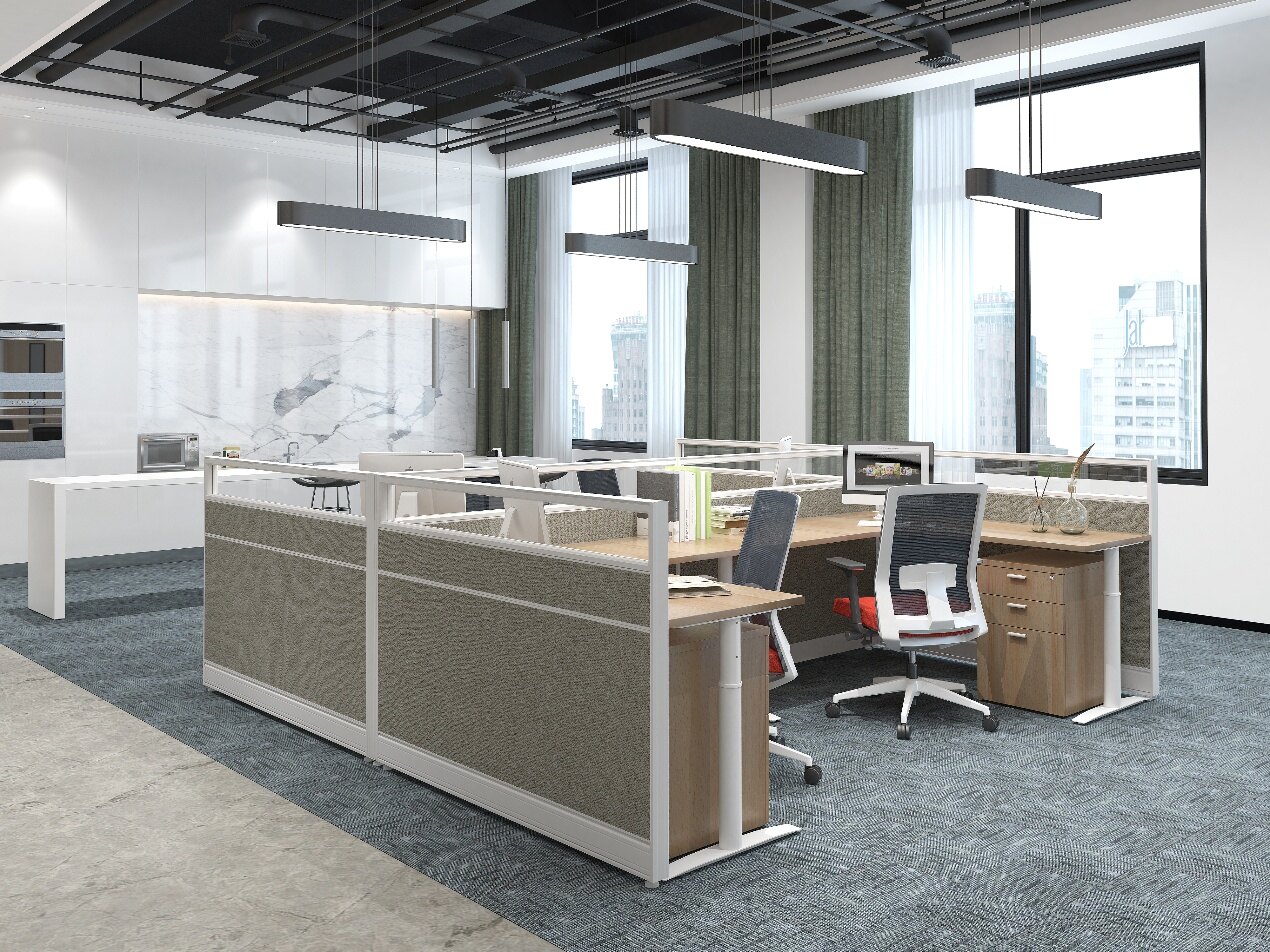
office cubicles
2. Administrative Cubicle
Administrative cubicles provide more room than standard workstations for employees who handle documents, communicate with visitors, or coordinate daily operations. The additional space can accommodate larger work surfaces, storage cabinets, and a visitor chair where required.
Recommended Dimensions
Width: 72" | 183 cm
Length: 96" | 244 cm
Area: 48 ft2 | 4.5 m2
3. Executive Workstation Cubicle
Executive workstations, as the largest type of cubicle, will provide upper-level employees with enough space to host small meetings while accommodating office equipment and additional storage space.
Recommended Dimensions
Width: 120" | 305 cm
Length: 144" | 366 cm
Area: 120 ft2 | 11.1 m2
4. Call Center Cubicle
Call center cubicles are designed for teams handling frequent calls and computer-based tasks. Their compact layouts help accommodate multiple workstations within a shared office area, while individual desks and partition screens provide defined working spaces for each employee.
Because these workstations are often arranged in rows, desk dimensions, chair movement, monitor placement, and cable management should be considered together during space planning.
Recommended Dimensions
Width: 24" | 61 cm
Length: 48" | 122 cm
Area: 16 ft2 | 1.5 m2
How to Make Your Cubicle More Functional and Organized
Besides of basic office cubicles, to reflect the cooperate morality, we should consider to add some personality and functional devices.
Add Personal characteristic: Adding decorative components, such as plants and artwork, will infuse personality into your workplace, creating an aesthetically pleasing setting for employees
The right accessories can make a noticeable difference in everyday workstation use. Monitor arms help free up desktop space, keyboard trays provide additional adjustment options, and desk organizers keep frequently used items within easy reach. The selection should reflect the actual equipment and tasks of each employee.
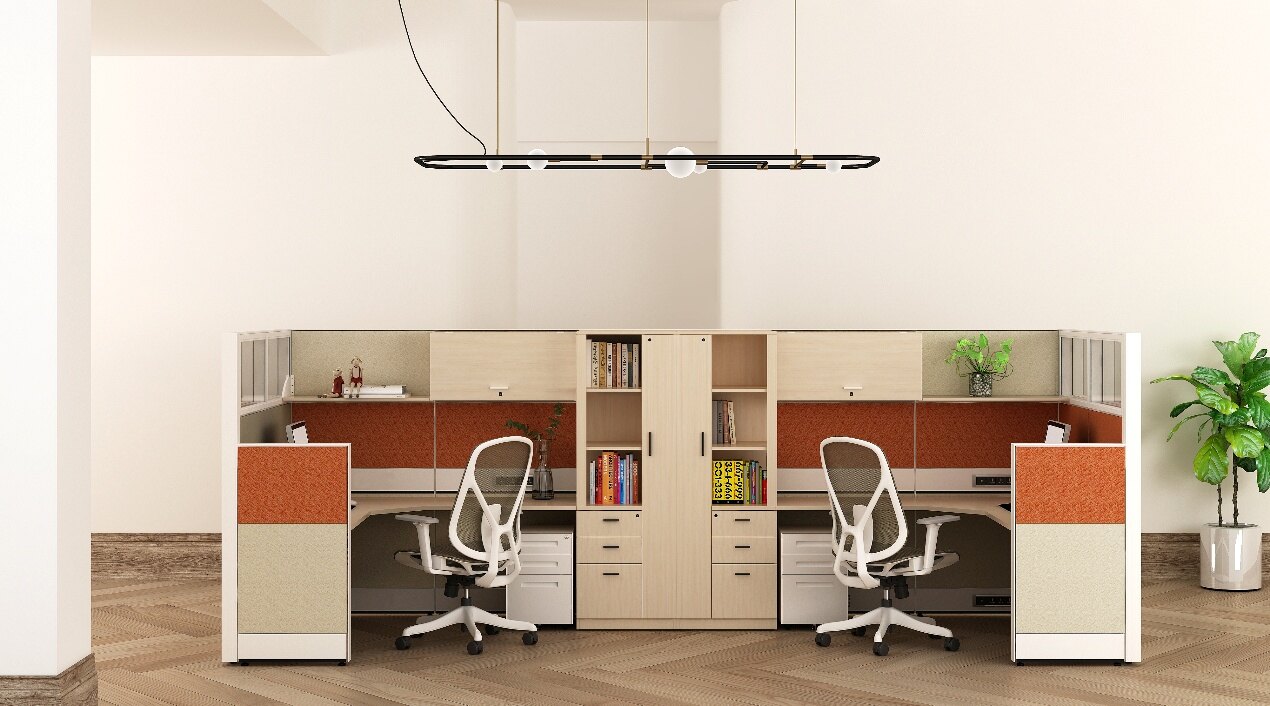
Utilize Vertical Space: Install overhead open shelves and head-on cabinets to declutter and free up extra space within cubicles.
Improve Cable Management: To prevent cords and wires from tangling, use cable management accessories, like cable clips, cable tray, even equipped with wireless charger.
What to Check Before Choosing a Cubicle Size
Before finalizing a cubicle layout, check these details:
- Work Surface: Is there enough room for monitors, computers, documents, and daily equipment?
- Chair Clearance: Can employees move their chairs comfortably without blocking nearby workstations?
- Storage Requirements: Are overhead cabinets, mobile pedestals, or shared storage needed?
- Privacy Level: Does the work require low partitions, higher screens, or additional visual separation?
- Power and Data: Are outlets and cable entry points positioned according to the equipment layout?
- Future Changes: Can the workstation be expanded or rearranged when team requirements change?
Conclusion
Getting the cubicle size right can make a big difference to how an office feels and functions. A workstation should have enough room for everyday tasks without taking up more space than necessary. Whether you're setting up individual workstations, administrative areas, or larger management spaces, the right layout helps make better use of the office while keeping employees comfortable.
Planning a new office or updating your existing cubicles? Contact M&W to explore workstation sizes and configurations that work for your space.